
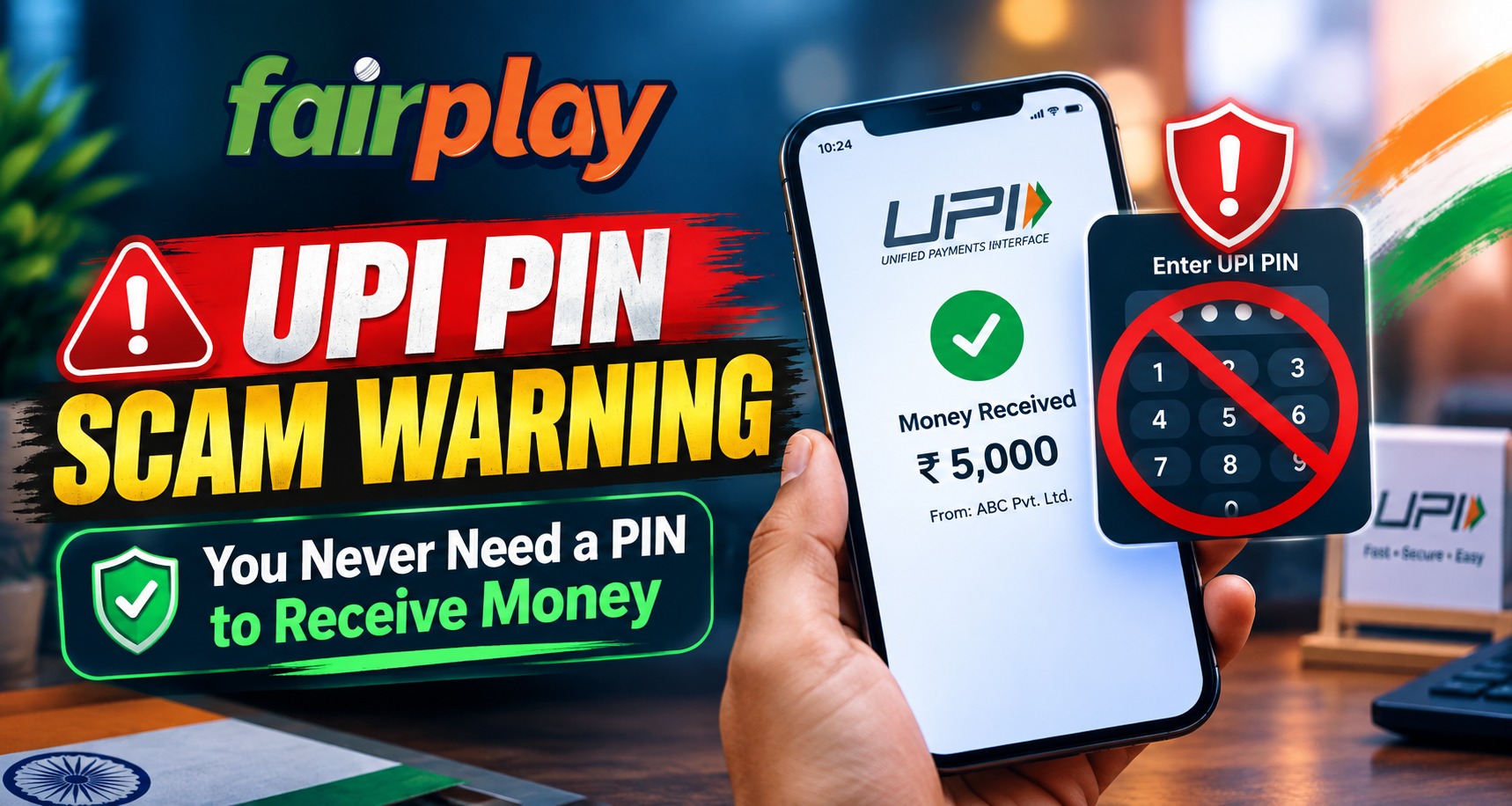
UPI has made digital payments fast and convenient, but scammers can misuse the same convenience through social-engineering tricks. One of the most important rules to remember is simple: you do not need to enter your UPI PIN just to receive money. For users exploring Fairplay24 and other online platforms that may involve digital payment options, understanding this warning can help prevent avoidable financial losses.
The UPI PIN is an authentication credential used to authorize transactions from a bank account. NPCI specifically advises users not to share their UPI PIN, while its fraud-awareness guidance warns that scanning a QR code and entering a PIN is intended for making a payment, not receiving one.
What Is a UPI PIN?
A UPI PIN is generally a 4- or 6-digit personal authentication code created by the account holder through a UPI-enabled application. It is used to authorize eligible bank transactions.
According to NPCI, the UPI PIN should never be shared with another person, and even a bank’s Customer support should not ask for it.
The key distinction is between receiving money and authorizing a payment:
- Receiving money does not require entering your UPI PIN.
- Sending money normally requires transaction authentication.
- Scanning a payment QR code and entering a PIN can authorize money leaving your account.
- Someone asking for your PIN to “receive” funds is a major warning sign.
How the “Enter PIN to Receive Money” Scam Works
Scammers often create a believable story before requesting a payment authorization. They may claim that the victim needs to complete a verification step, accept a payment request, scan a QR code, or enter a UPI PIN to receive funds.
The fraud may look legitimate because the scammer can provide a specific amount and communicate through a familiar messaging platform.
A typical pattern can look like this:
- A scammer claims they are sending money.
- They send a QR code or payment request.
- They instruct the recipient to scan it.
- They ask the person to enter a UPI PIN.
- The victim authorizes the transaction.
- Money may then be transferred out instead of received.
RBI’s consumer-awareness material specifically warns about fraudsters pretending to be buyers and asking sellers to approve a UPI request by entering their PIN. It emphasizes that a PIN or password is not required to receive money.
Why a QR Code Can Be Misleading
Many people associate QR codes with receiving payments because businesses frequently display them for customers to scan. However, a QR code can also initiate a payment flow.
NPCI’s fraud-awareness guidance makes the distinction clear: scanning a QR code and entering a UPI PIN is meant for making a payment, not receiving one.
Before scanning any QR code, check what action the UPI application is asking you to authorize. Do not assume that the person who sent the QR code is automatically sending money.
What Happens When You Enter Your PIN?
When you enter your UPI PIN to authenticate a transaction, you are authorizing the transaction presented by the payment application.
That is why users should carefully read the transaction screen before entering the PIN. Check:
- Whether the transaction says “Pay” or another authorization action
- The amount involved
- The recipient or beneficiary details
- The UPI ID shown
- Whether money is being sent or requested
- Any additional payment information displayed
NPCI describes the UPI PIN as the passcode used to authorize bank transactions.
Common UPI PIN Scam Stories
Scammers may use different explanations to make their request appear genuine.
Common examples include:
- “Enter your PIN to receive the refund.”
- “Scan this QR code to accept the payment.”
- “Approve this request so the money reaches your account.”
- “Enter the PIN to verify your bank account.”
- “Use this payment request to activate your refund.”
- “Pay a small verification amount before receiving the full amount.”
The wording can change, but the underlying warning remains the same: receiving money should not require you to authorize an outgoing payment.
What Should You Do If Someone Asks for Your UPI PIN?
Stop the transaction and independently verify the situation.
1. Do Not Enter the PIN
Never enter your UPI PIN simply because another person instructs you to.
2. Check the Transaction Screen
Read the complete payment request. If it asks you to authorize a payment, do not proceed unless you intentionally want to send money.
3. Do Not Share OTPs
An OTP, UPI PIN, password, or other authentication credential should not be shared with callers, strangers, or supposed support representatives.
4. Verify Through Official Channels
If someone claims to represent a bank, merchant, or platform, contact the organization through its official support channel instead of using a phone number or link supplied by the person contacting you.
For users completing a Fairplay24 Login, the same general principle applies: account credentials and payment authentication information should be kept private.
What If You Already Entered Your PIN?
If you accidentally authorized a suspicious transaction, act quickly.
First, check your bank or UPI application’s transaction history to determine whether money was actually debited. Contact your bank immediately through its official support channel and report the suspicious transaction.
You should also consider changing your UPI PIN if you believe someone has obtained it. Do not wait for a scammer to contact you again.
NPCI provides complaint and transaction-support resources for UPI users, while banks remain responsible for handling relevant customer complaints and transaction issues.
How to Keep Your UPI Account Safer
A few simple habits can reduce the risk of payment fraud:
- Never share your UPI PIN.
- Never share OTPs or banking passwords.
- Do not approve unfamiliar payment requests.
- Be cautious with unknown QR codes.
- Verify the recipient before authorizing payments.
- Avoid downloading unknown payment-related applications.
- Use official banking and UPI applications.
- Check transaction notifications and account statements regularly.
- Contact your bank quickly if an unauthorized payment occurs.
If using the Fairplay24 App or another online service, users should also rely on the platform’s official payment instructions rather than instructions received from unknown individuals.
Frequently Asked Questions
1. Do I need a UPI PIN to receive money?
No. A UPI PIN is used to authorize transactions, not simply to receive money. NPCI specifically warns users not to share their UPI PIN.
2. Is scanning a QR code always safe for receiving money?
No. A QR code can initiate a payment process. If the process asks you to enter your PIN, carefully check whether you are authorizing money to leave your account.
3. What should I do if someone asks for my UPI PIN?
Do not provide it. End the transaction and independently verify the person’s identity through an official channel.
4. Can customer support ask for my UPI PIN?
NPCI states that a bank’s customer support will not ask for your UPI PIN.
5. What if I accidentally entered my PIN?
Check your transaction history immediately, contact your bank through its official channel, and report any unauthorized transaction. Consider changing your UPI PIN if you believe it has been exposed.
6. Does a Fairplay24 Com payment request require sharing my UPI PIN with someone?
You should never share your UPI PIN with another person. Any payment authorization should be reviewed carefully inside your own trusted UPI application.
7. What is the easiest UPI safety rule to remember?
If someone says you must enter your UPI PIN to receive money, stop and verify the transaction. Entering the PIN can authorize money leaving your account.


