
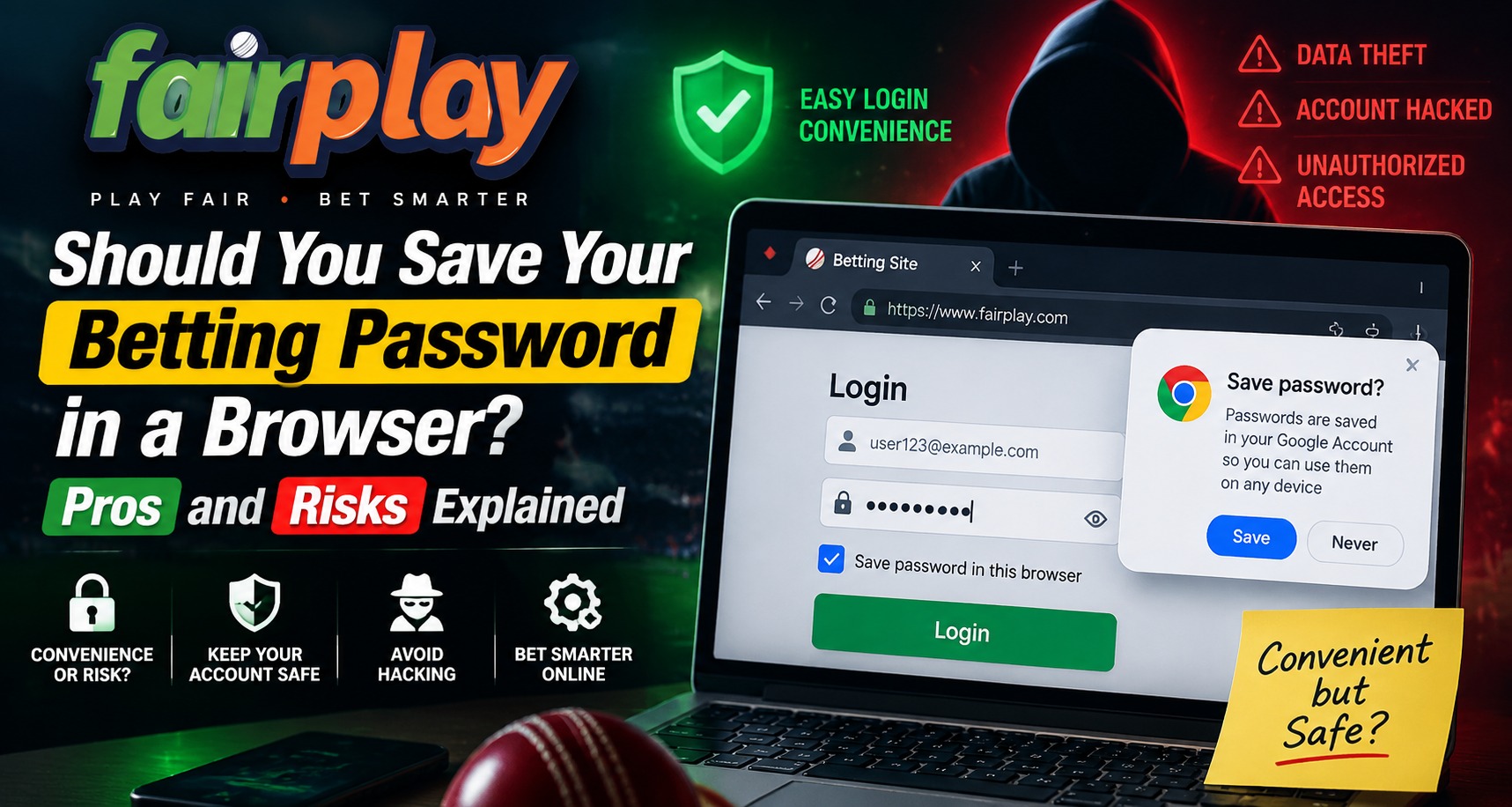
Saving passwords in a browser has become a common habit because it makes logging into websites faster and more convenient. Modern browsers can remember usernames and passwords, allowing users to access accounts without typing credentials every time. On Fairplay24, users should understand the advantages and potential risks of saving login details before deciding whether browser password storage is the right option for their account security.
While saved passwords provide convenience, users should also consider device security, privacy settings, and safe account management practices.
What Does Saving a Password in a Browser Mean?
Browser password saving is a feature that stores login credentials so users can automatically fill in their details when returning to a website.
This feature may store:
- Username information
- Password details
- Website login addresses
- Saved account preferences
Browsers usually protect saved passwords through device security features, but the overall safety depends on how well the device itself is protected.
After completing a Fairplay24 Login, users should consider whether saving credentials matches their personal security needs.
Benefits of Saving Passwords in a Browser
Saving passwords can provide several advantages when used carefully.
Faster Login Process
The biggest benefit is convenience.
Users do not need to:
- Remember multiple passwords
- Type credentials repeatedly
- Reset forgotten passwords frequently
This can make regular account access easier.
Helps Manage Multiple Accounts
Many users manage different accounts with unique passwords.
Browser password managers can help by:
- Storing different credentials
- Reducing password reuse
- Creating stronger password habits
Using different passwords for different accounts improves security compared with using the same password everywhere.
Reduces Password Forgetting Problems
Saved credentials can be useful for users who find it difficult to remember many complex passwords.
This may reduce:
- Repeated password resets
- Login delays
- Forgotten credential issues
Risks of Saving Passwords in a Browser
Although browser password storage is convenient, it also has possible risks.
Users should understand these concerns before saving sensitive account information.
Device Access Risks
If another person gains access to an unlocked device, they may be able to view saved passwords depending on the browser and device security settings.
Potential risks include:
- Unauthorized account access
- Exposure of stored credentials
- Access through shared devices
Using strong device protection is important when storing passwords.
Malware and Security Threats
Malicious software can create security risks by attempting to access stored browser information.
Potential threats include:
- Password-stealing malware
- Unsafe downloads
- Suspicious browser extensions
Keeping devices updated and avoiding unknown applications can reduce these risks.
Shared Device Concerns
Saving passwords on shared computers or devices can be risky.
Examples include:
- Public computers
- Family devices
- Workplace systems
- Borrowed devices
Users should avoid saving account credentials on devices they do not fully control.
Browser Account Sync Risks
Many browsers allow password synchronization across multiple devices.
While this can be convenient, users should consider:
- Account security settings
- Connected devices
- Sync protection
If a browser account is compromised, stored credentials across devices may become vulnerable.
Safer Ways to Manage Passwords
Users who want convenience without relying only on browser storage can consider additional security practices.
Helpful methods include:
Use a Trusted Password Manager
Dedicated password managers are designed specifically for storing credentials securely.
Benefits may include:
- Encryption
- Strong password generation
- Secure access controls
- Better organization
Enable Device Security Features
Users should protect devices with:
- Screen locks
- Biometric protection
- Strong device passwords
- Security updates
A secure device provides an important layer of protection.
Tips Before Saving Passwords in a Browser
If users decide to use browser password storage, they should follow safer practices.
Recommended steps include:
- Use a personal device
- Keep the browser updated
- Enable device protection
- Avoid saving passwords on public computers
- Review saved passwords regularly
Users accessing the Fairplay24 App should ensure their device environment is secure before storing login details.
When Should You Avoid Saving Passwords?
There are situations where saving passwords may not be recommended.
Avoid saving credentials when using:
- Public computers
- Shared devices
- Unknown networks
- Devices without security protection
In these situations, entering the password manually may be safer.
How to Create Better Password Habits
Strong password habits improve account protection.
Users should:
- Create unique passwords
- Avoid common phrases
- Update passwords when necessary
- Avoid sharing credentials
- Review account security regularly
A strong password is one of the first defenses against unauthorized access.
Common Mistakes Users Make With Saved Passwords
Some mistakes can reduce password security.
Common examples include:
- Saving passwords on multiple shared devices
- Using one password everywhere
- Ignoring browser security updates
- Leaving devices unlocked
- Sharing login information
Understanding these risks Helps users make better decisions.
The Importance of Regular Security Reviews
Users should periodically review how their credentials are stored.
Helpful checks include:
- Reviewing saved passwords
- Removing old accounts
- Checking connected devices
- Updating outdated credentials
For users managing accounts through Fairplay24 Com, regular security awareness can help maintain better protection.
Conclusion
Saving a password in a browser can provide convenience and make account access faster, but it also comes with security considerations. The safety of saved credentials depends on device protection, browser security, and how carefully users manage their accounts.
Users should consider their personal situation before storing passwords and follow strong security habits. Using secure devices, unique passwords, and careful login practices can help create a safer digital experience.
FAQs
Is saving a password in a browser safe?
Browser password storage can be convenient, but safety depends on device security, browser protection, and user habits.
Should I save passwords on a public computer?
No. Saving passwords on public or shared computers can increase security risks.
What is a safer alternative to browser password storage?
A trusted password manager can provide additional security features for managing credentials.
Can someone access saved browser passwords?
If someone gains access to your unlocked device or browser account, saved passwords may become vulnerable.
Should I use the same password for multiple accounts?
No. Using unique passwords for each account improves security.
How can I protect saved passwords?
Use device locks, enable security features, keep software updated, and regularly review saved credentials.


